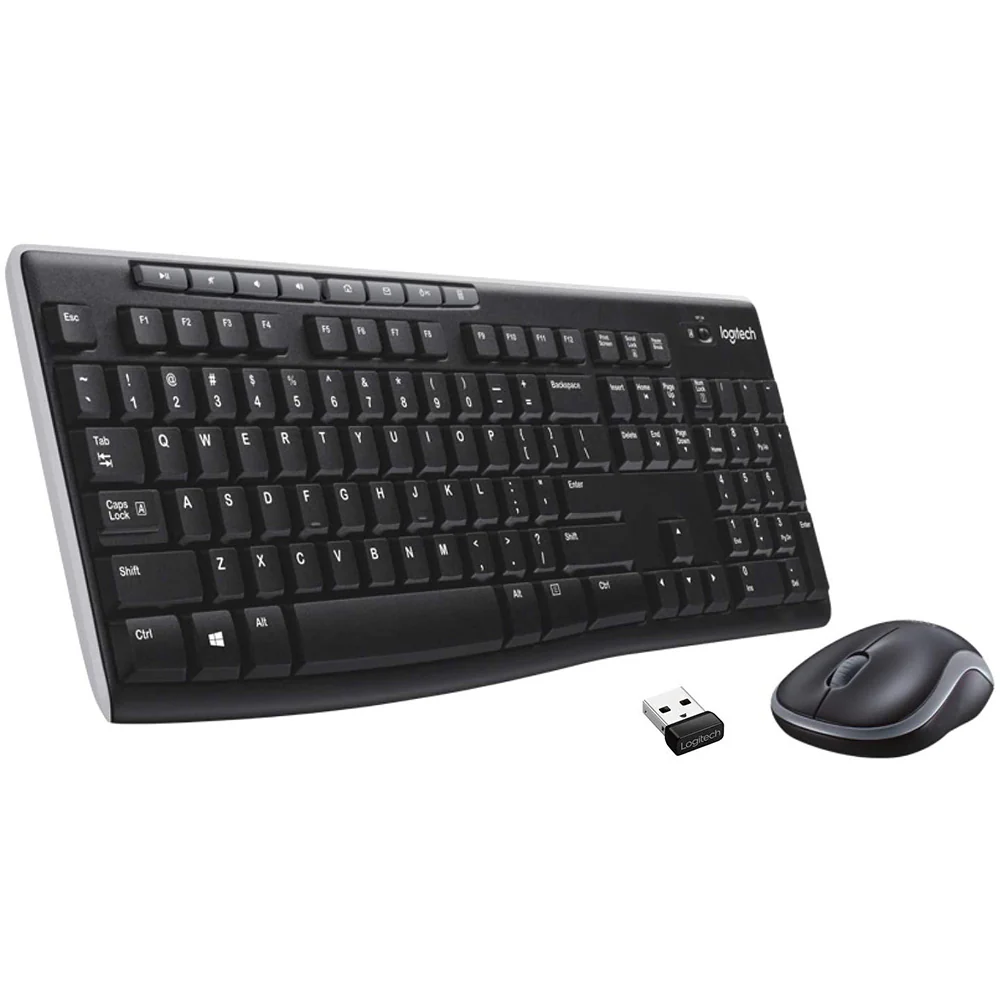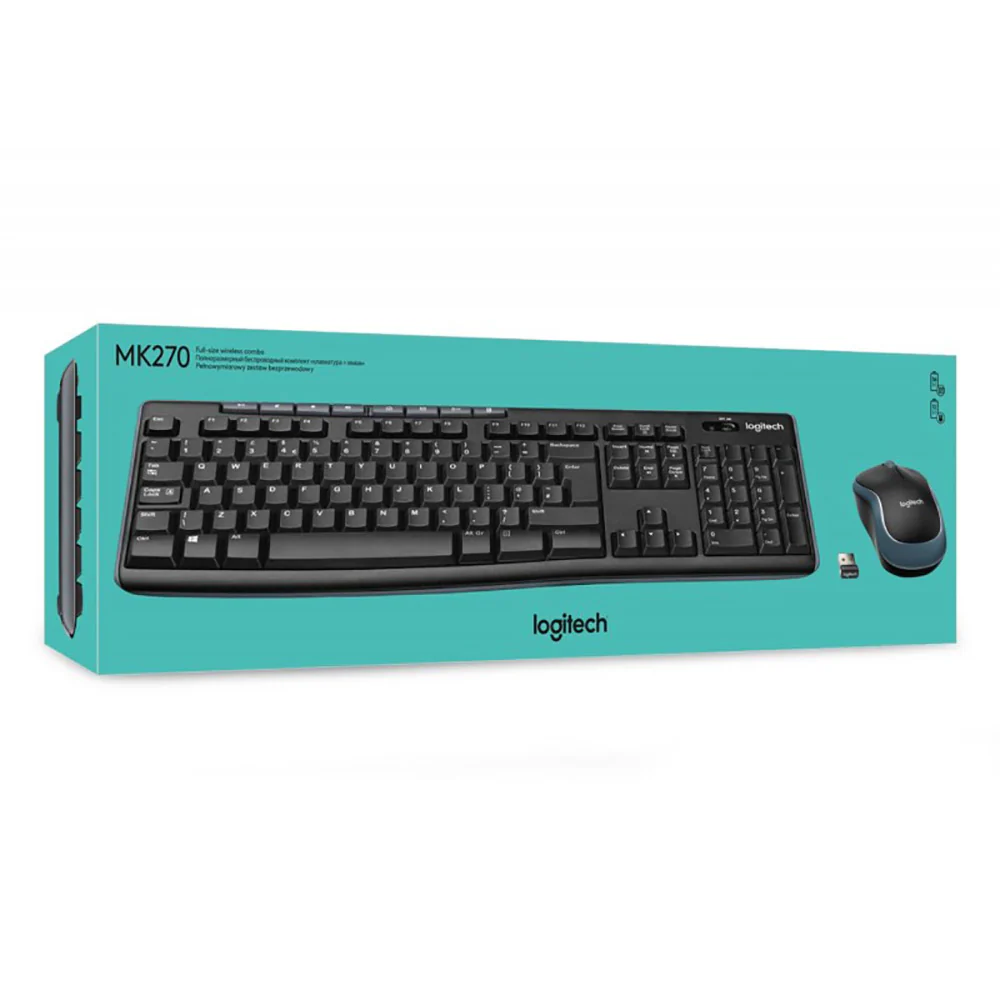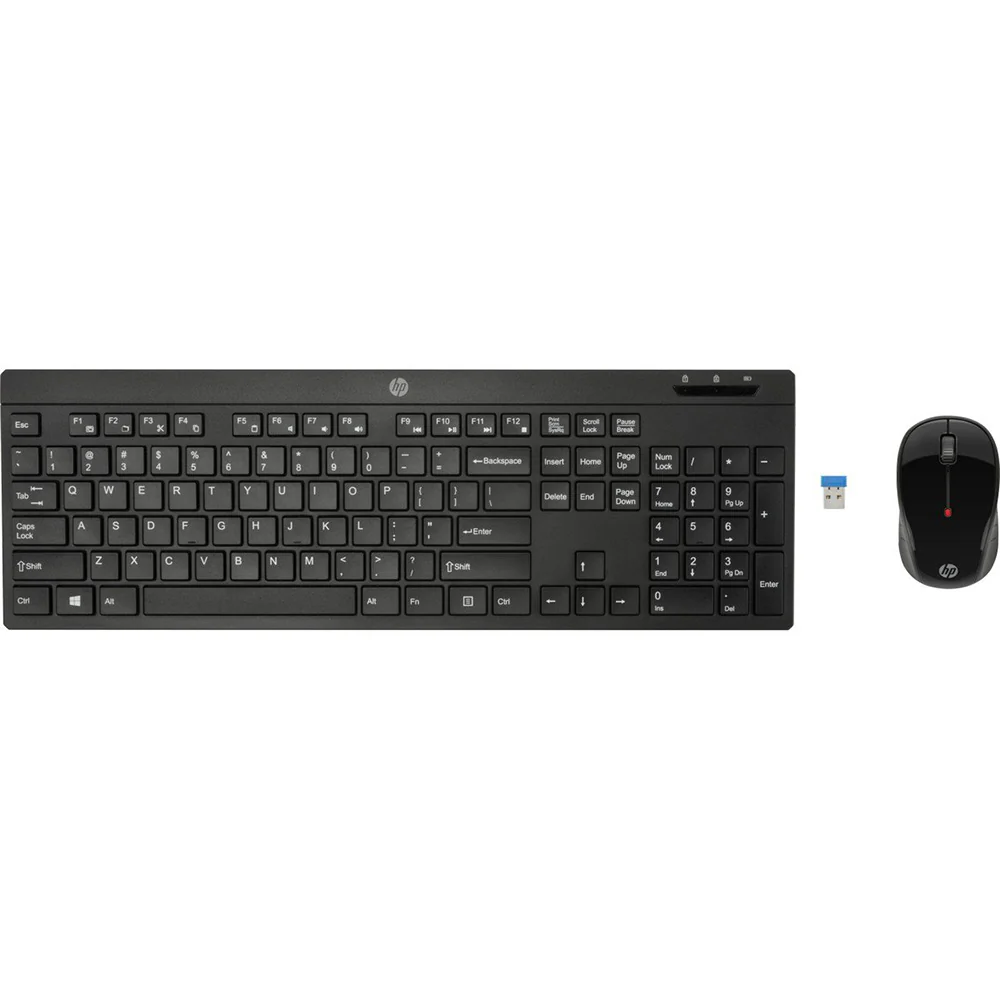
HP 200 Keyboard & Mouse Combo
The keyboard, mouse, and transceiver are already paired from factory. It is been observed that the “Keyboard stops responding after some time of usage & gets disconnected from transceiver". TROUBLESHOOTING : Service locations needs to confirm below troubleshooting steps. 1. Disconnect and reconnect the USB transceiver. TIP: You must complete all steps within one minute of reconnecting the USB transceiver. 2. Uninstall and reinstall the keyboard batteries. 3. Press and hold the Connect button on the bottom of the keyboard for around 10 seconds. 4. IF mouse is also reported for not responding then Turn the mouse off. 5. Simultaneously press and hold the scroll and right mouse buttons and turn the mouse on.
- Long lasting battery life for up to 12 months of everyday use
- Keyboard: Modern design and new functions, including sleep and multimedia keys
- Mouse: High-resolution laser technology and 1000DPI help ensure smooth and accurate cursor control
- Receiver: Permits multiple cordless systems in a single office without interference
Technical Details
| Brand | HP |
| Colour | Black |
| Item Height | 28 Millimeters |
| Item Width | 16.4 Centimeters |
| Item Weight | 880 g |
| Product Dimensions | 460 x 16.4 x 2.8 cm |
| Batteries: | 4 AA batteries required. (included) |
| Item model number | HP-200 |
| Lithium Battery Energy Content | 4.90 Watt Hours |
| Lithium battery Weight | 0.85 Grams |
| Included Components | Keyboard, Mouse, Receiver, Software and Documentation CD-ROM, Product and 4 x AA Alkaline Batteries Installed |
$15.18
Original: $43.37
-65%HP 200 Keyboard & Mouse Combo—
$43.37
$15.18Product Information
Product Information
Shipping & Returns
Shipping & Returns
Description
The keyboard, mouse, and transceiver are already paired from factory. It is been observed that the “Keyboard stops responding after some time of usage & gets disconnected from transceiver". TROUBLESHOOTING : Service locations needs to confirm below troubleshooting steps. 1. Disconnect and reconnect the USB transceiver. TIP: You must complete all steps within one minute of reconnecting the USB transceiver. 2. Uninstall and reinstall the keyboard batteries. 3. Press and hold the Connect button on the bottom of the keyboard for around 10 seconds. 4. IF mouse is also reported for not responding then Turn the mouse off. 5. Simultaneously press and hold the scroll and right mouse buttons and turn the mouse on.
- Long lasting battery life for up to 12 months of everyday use
- Keyboard: Modern design and new functions, including sleep and multimedia keys
- Mouse: High-resolution laser technology and 1000DPI help ensure smooth and accurate cursor control
- Receiver: Permits multiple cordless systems in a single office without interference
Technical Details
| Brand | HP |
| Colour | Black |
| Item Height | 28 Millimeters |
| Item Width | 16.4 Centimeters |
| Item Weight | 880 g |
| Product Dimensions | 460 x 16.4 x 2.8 cm |
| Batteries: | 4 AA batteries required. (included) |
| Item model number | HP-200 |
| Lithium Battery Energy Content | 4.90 Watt Hours |
| Lithium battery Weight | 0.85 Grams |
| Included Components | Keyboard, Mouse, Receiver, Software and Documentation CD-ROM, Product and 4 x AA Alkaline Batteries Installed |